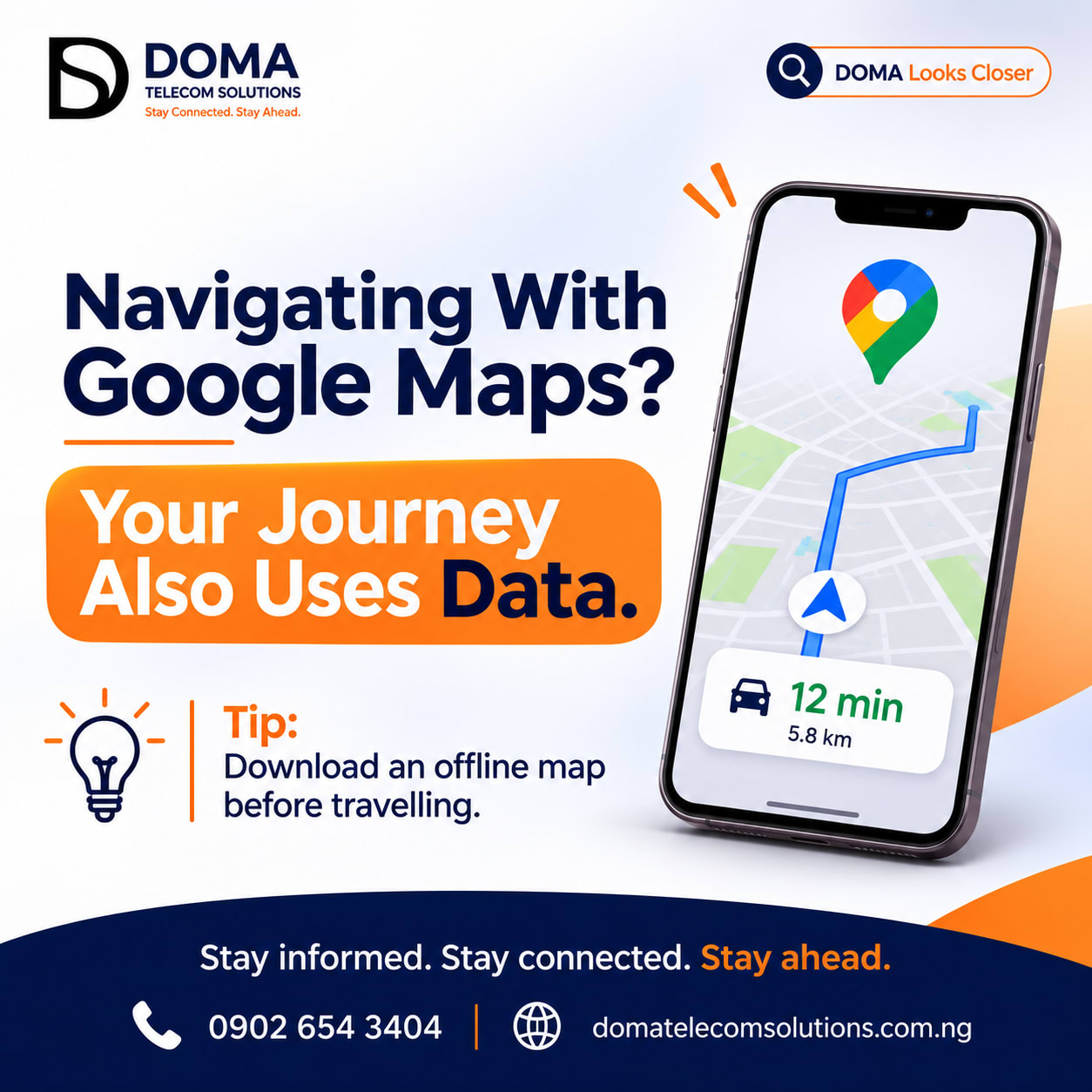
Navigating With Google Maps? Your Journey Also Uses Data.

Imagine you're heading somewhere you've never been before. You open Google Maps, enter your destination and follow the directions until you arrive.
Simple, right?
But while you're concentrating on finding your way, there's something else happening in the background: your phone is using mobile data to support your navigation.
Yes, using Google Maps consumes data too.
Many people associate data consumption with activities like streaming videos, scrolling through social media or downloading files. However, everyday applications like Google Maps also require an internet connection to provide certain features.
Let's take a closer look.
How Does Google Maps Use Mobile Data?
Google Maps relies on internet connectivity to provide several services that make navigation easier.
Here are some examples:
1. Loading Maps
When you search for a location or explore an area, Google Maps retrieves map information to display roads, streets, landmarks and other details.
2. Providing Navigation Directions
When you're navigating to a destination, the application uses location information and map data to guide you along your route.
3. Checking Live Traffic Updates
One of the useful features of Google Maps is its ability to provide traffic information.
It can show traffic conditions, suggest alternative routes and help you avoid congested roads. These live updates require an internet connection.
4. Searching for Nearby Places
Looking for a restaurant, filling station, supermarket or ATM around your current location?
Google Maps retrieves information about nearby places, including their locations and other available details.
These activities contribute to data consumption, although the actual amount varies depending on how you use the application.
How Can You Use Google Maps Without Consuming So Much Data?
You don't have to stop using Google Maps to manage your data better.
One useful feature you should know about is Offline Maps. Google Maps allows you to download maps of selected areas while connected to the internet. Once downloaded, you can use those maps for navigation without needing a continuous mobile data connection.
Here's how to do it:
How to Download Offline Maps on Google Maps
1. Open the Google Maps application on your phone.
2. Tap your profile picture or account icon.
3. Select Offline maps.
4. Tap Select your own map.
5. Adjust the map area to cover the location you intend to visit.
6. Tap Download.
Once the download is complete, the selected map will be available for offline use.
Important: Offline maps have limitations. Live traffic updates, alternative routes based on current traffic and some other features may not be available without an internet connection. Offline driving directions are generally available when the entire route falls within your downloaded map area.
A Few More Tips for Managing Your Data
Apart from downloading offline maps, here are a few habits worth adopting:
- Plan ahead: Search for your destination and download the necessary map before leaving home or the office.
- Use Wi-Fi when possible: Download maps and other large files over a reliable Wi-Fi connection.
- Avoid unnecessary downloads: Only download the areas you actually need.
- Monitor your data usage: Check your phone's data usage occasionally to understand which applications consume the most data.
Does Google Maps Use Data Even When You're Not Navigating?
It can.
When connected to the internet, opening Google Maps, searching for locations, loading map details and retrieving updated information can consume data even when you aren't actively following a route.
However, the amount used depends on the activities performed and the information being loaded.
This is why being intentional about how you use the application can make a difference.
Final Thoughts
Technology has made getting around much easier. You no longer have to depend entirely on asking for directions or memorising unfamiliar routes.
But as convenient as applications like Google Maps are, it's important to understand that they also contribute to your overall data consumption.
The goal isn't to stop using useful applications. It's to understand how they work and make smarter choices when using them.
So, before your next journey, consider downloading an offline map of your destination.
It might save you some data and give you one less thing to worry about while travelling.
At DOMA Telecom Solutions, we believe that staying connected also means understanding how to use your internet wisely.
Stay informed. Stay connected. Stay ahead.
Visit domatelecomsolutions.com.ng for your digital connectivity needs.