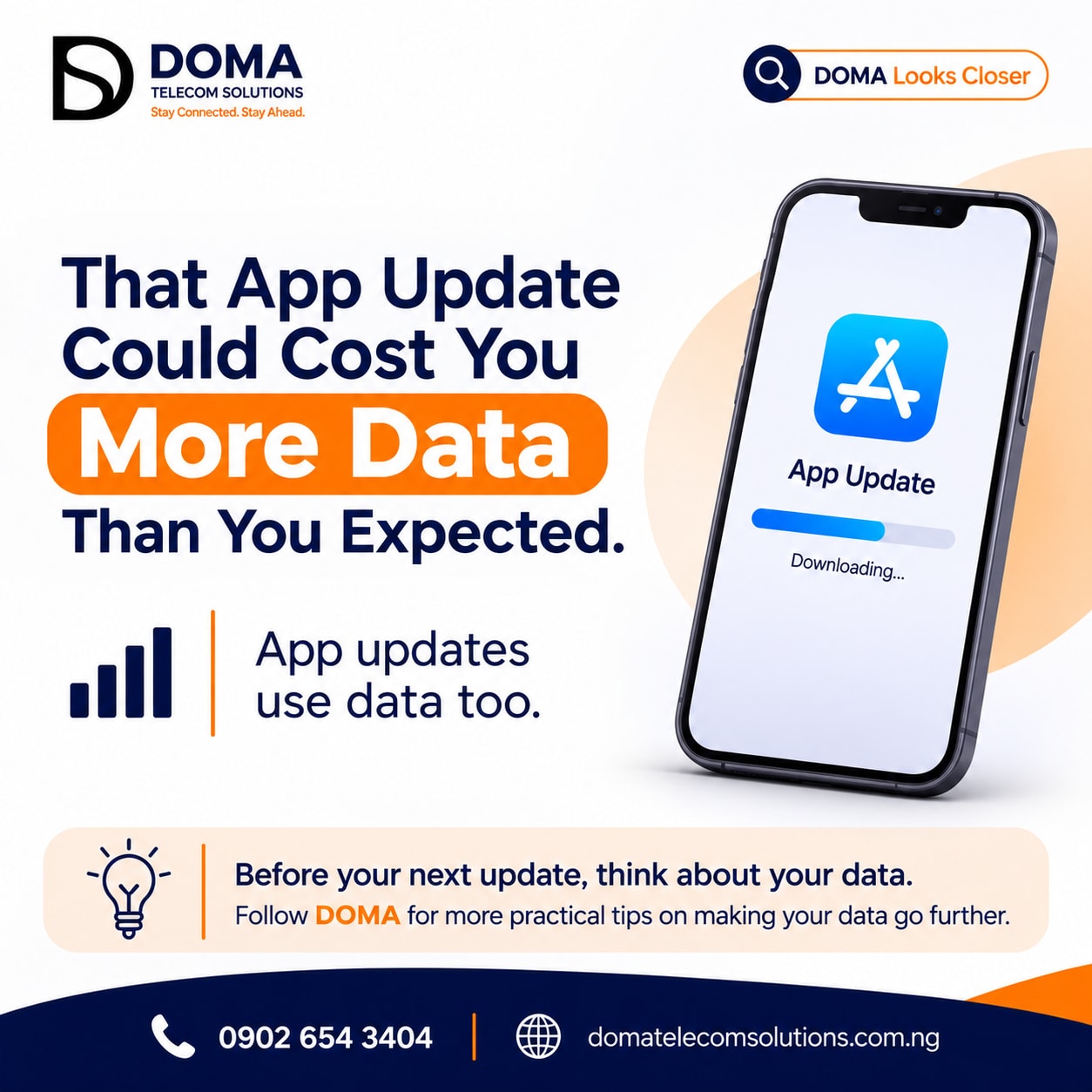
That App Update Could Cost You More Data Than You Expected
Have you ever checked your data balance and wondered how it reduced so quickly, even though you haven't been streaming videos or spending hours scrolling through social media?
There's something you might be overlooking: Your app updates.
Many smartphone users don't realise that updating applications also consumes mobile data. Sometimes, an update can download several megabytes or even hundreds of megabytes, depending on the application and the changes being installed.
And if your phone is configured to update apps automatically, these downloads may happen without you paying much attention.
Let's take a closer look.
Why Do App Updates Consume Data?
Whenever an application receives an update, your phone downloads new files containing improvements, security fixes, bug corrections or additional features.
Think about applications you use regularly, such as WhatsApp, Instagram, Facebook, TikTok or mobile games.
Developers frequently release updates to improve how these applications function.
However, downloading these updates requires an internet connection, and when your phone uses mobile data instead of Wi-Fi, the download comes directly from your data subscription.
The size of the update determines how much data is required.
A small update may consume only a few megabytes, while a larger one could use significantly more.
The Hidden Issue: Automatic App Updates
Here's where things get interesting.
You don't always have to manually open an application store and click the update button before an update happens.
Depending on your phone settings, applications may update automatically in the background.
This means you could be using your phone for something else while an application downloads an update using your mobile data.
If several applications update around the same time, the combined data consumption can become noticeable.
How Can You Prevent App Updates From Consuming Your Mobile Data?
You don't necessarily have to stop updating your applications. Updates are important for security, performance and functionality.
What you need is better control over when and how they happen.
Here are a few practical steps:
1. Set App Updates to Wi-Fi Only
One of the easiest ways to manage this is to configure your application store to download updates over Wi-Fi rather than mobile data.
On Android, you can generally find this option under:
Google Play Store → Profile Picture → Settings → Network Preferences → Auto-update Apps.
Select the option to update over Wi-Fi only.
On iPhones, check your App Store settings under Settings → Apps → App Store. Review the automatic app update and cellular data options.
Menu names may vary depending on your device and software version.
2. Check Your Automatic Update Settings
Take a moment to review how your phone handles automatic downloads.
If you prefer to update applications manually, you can disable automatic app updates and decide when to download them.
3. Monitor Your Data Usage
Your phone's data usage settings can help you identify applications consuming the most mobile data.
Check these settings occasionally. You may discover that some applications use more data than you expected.
4. Use Wi-Fi for Large Downloads
Whenever possible, connect to a reliable Wi-Fi network before downloading large application updates.
This helps you reserve your mobile data for browsing, communication and other activities that require it.
Does This Mean You Should Stop Updating Your Apps?
Absolutely not.
Keeping your applications updated is important. Updates often address security vulnerabilities, fix errors and improve the overall user experience.
The goal isn't to avoid updates. It's to be intentional about how you download them.
You can enjoy the latest features while still being mindful of your data consumption.
Final Thoughts
Managing your data goes beyond reducing your time on social media or avoiding long video streams.
Sometimes, the things happening quietly in the background contribute to your overall data consumption.
So, the next time your phone requests an application update, take a moment to consider whether you're using Wi-Fi or mobile data.
A little awareness can help you make better decisions about how you stay connected.
At DOMA Telecom Solutions, we believe that staying connected should also mean understanding how to use your data wisely.
Small choices can make your data last longer.
DOMA Telecom Solutions - Stay connected. Stay ahead.
Visit domatelecomsolutions.com.ng for your digital connectivity needs.